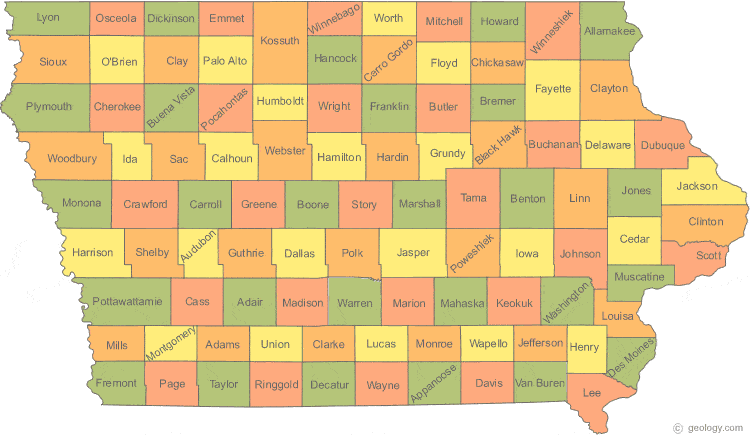
The big news today is about the SNAFU in the 2020 Iowa Caucus, involving problems that are being blamed on an app that was developed to compile and report the candidates’ results.
With 21 years of providing software to our clients, I can say that software is everybody’s favorite whipping boy. It’s an easy target that most people will assume is the culprit without ever looking deeper. After all, everyone has had at least a few bad software experiences – probably more. Software often sucks, and there are more bad chunks of code than good ones.
In the case of Iowa, the software company, Shadow, Inc., has made a public apology for their part in the debacle that has led to, a day later, no clear winner in the presidential race. But is the app completely to blame?
From NPR:
“It appears in this case that the app was never really tested in a manner which came close to approximating the real mess of an election,” Doug Jones, a computer science professor at the University of Iowa and a former caucus precinct leader, told NPR on Tuesday.
“Caucus chairs, in many cases, apparently were attempting to download and install the app on their phones on caucus night,” he said. “That’s extraordinarily difficult to do that kind of thing under pressure.”
When I heard this, my ears perked up. The app should have been tested, under load (simulated or real-time) in advance. But who is to blame for that not happening? Let me explain why I ask: getting our clients to test our software is the number one hurdle we face. They just don’t want to take the time. And it takes a lot of time to enter real-world data, check the results to see if they match previous methods (i.e. an old way of doing things on paper, or a previous, proven software app), and communicate any variances back to the developer. I don’t blame them for not wanting to take the time – they have their actual jobs to do, on top of this.
Load testing is even harder, and falls more on the developer to accomplish. Shadow, Inc.’s project managers should have designed a series of tests that (a) used actual delegates to the caucus to download and use the app under observation, to see how easy or hard it was to install and use the software; and (b) simulated a heavy load of users trying to download, install, and upload results from the app on their phones. It appears that none of this happened.
The software developer should have known better. But the client, the Iowa Democratic Party, should have known better, too. With so much at stake, to simply trust that a brand new, statewide software system would work flawlessly with minimal testing on their part was a massive error in judgment.
Again from NPR:
Holly Christine Brown, the Asian/Pacific Islander caucus chair for the Iowa Democratic Party, said she was only appointed precinct chair last week and first saw the app on Friday evening.
Holly Christine Brown, the Asian/Pacific Islander caucus chair for the Iowa Democratic Party, said she was only appointed precinct chair last week and first saw the app on Friday evening.
“We were just given access to the app and told, ‘Play around in there a little bit,’ and that was about as much training as we got,” Brown told NPR’s Rachel Martin. “We were able to call in and ask questions, but there was no real training on the app.”
Whose decision was that? Who held the app back until the last minute, and why? How much advice from the software developer fell on deaf ears? I have no information on this, but my best guess is that the shadow of this failure falls on others besides just Shadow, Inc.