

Balance: Vestibular Diary
About Balance Vestibular Diary
If you struggle with inner ear conditions like Vestibular Migraines or Ménière’s Disease, Balance: Vestibular Diary was designed for you — by someone who lives with it too.
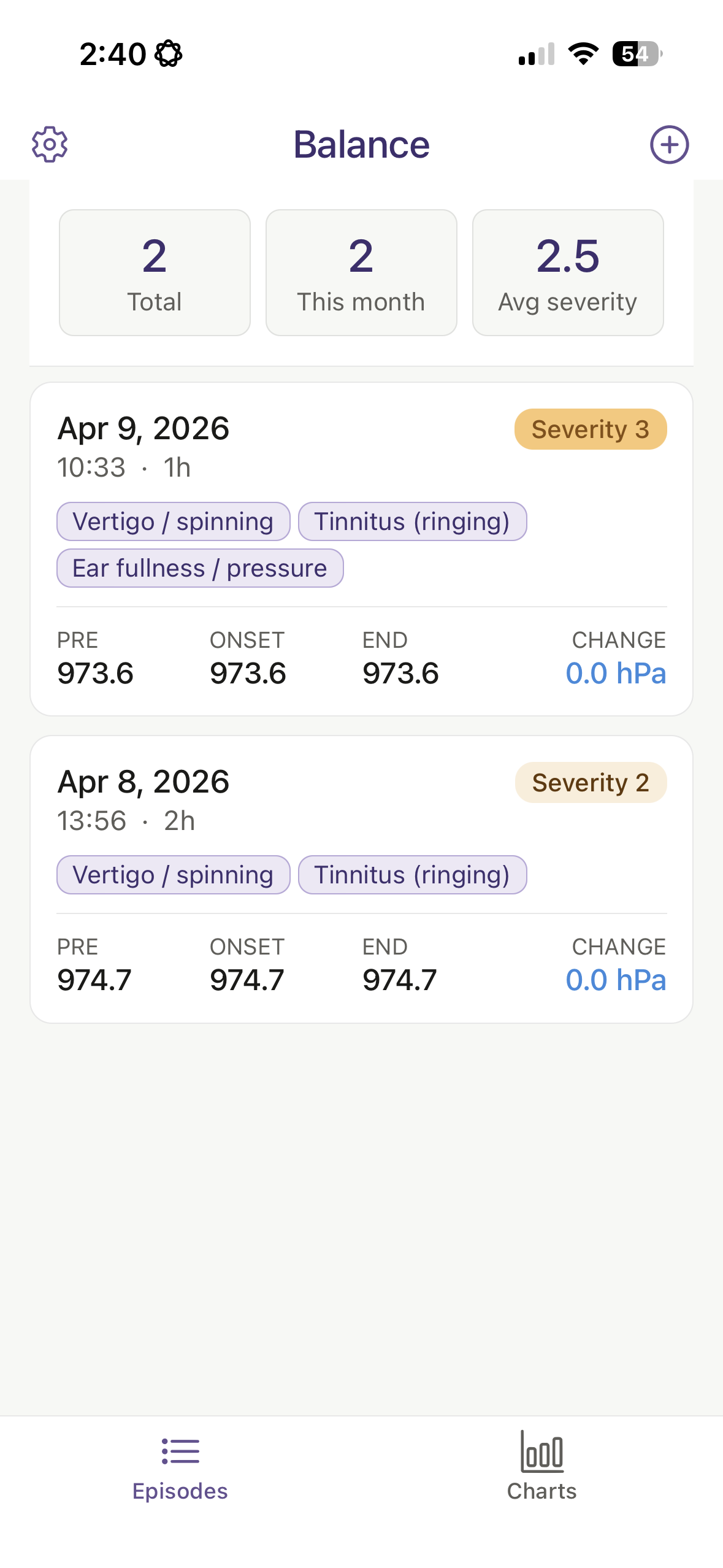
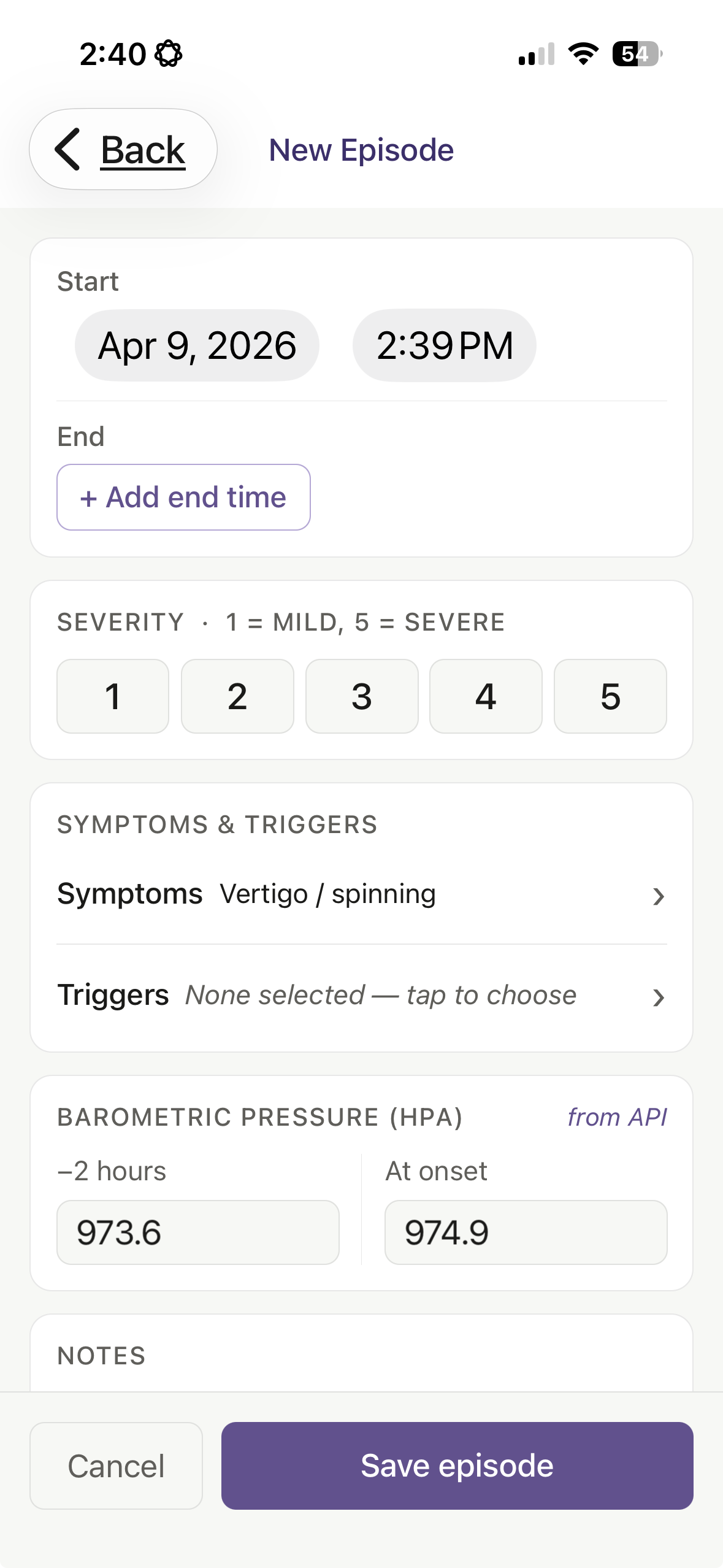
Track episodes, symptoms, and triggers with just a few taps. As you log an episode, Balance automatically looks up the barometric pressure at your location — before, during, and after — so you never have to do it manually.
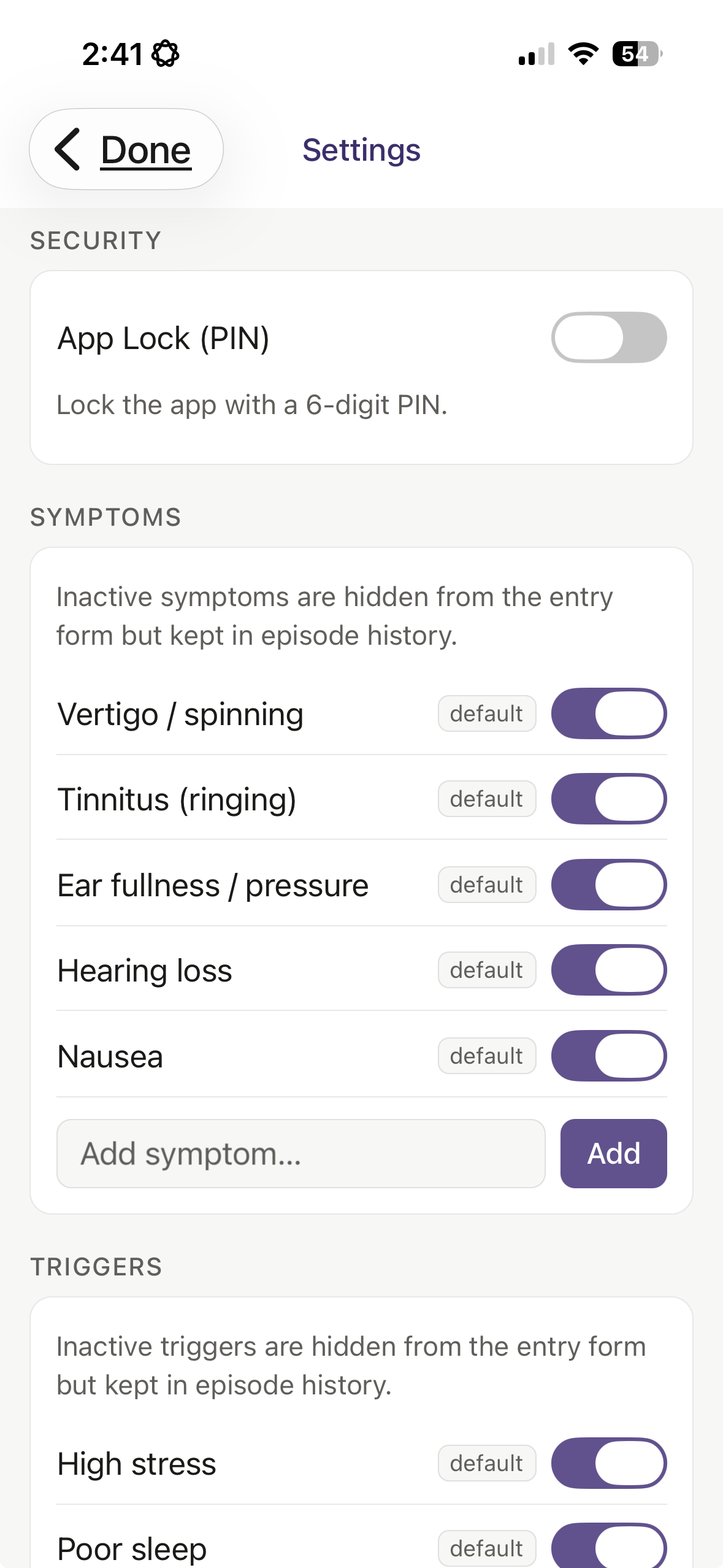
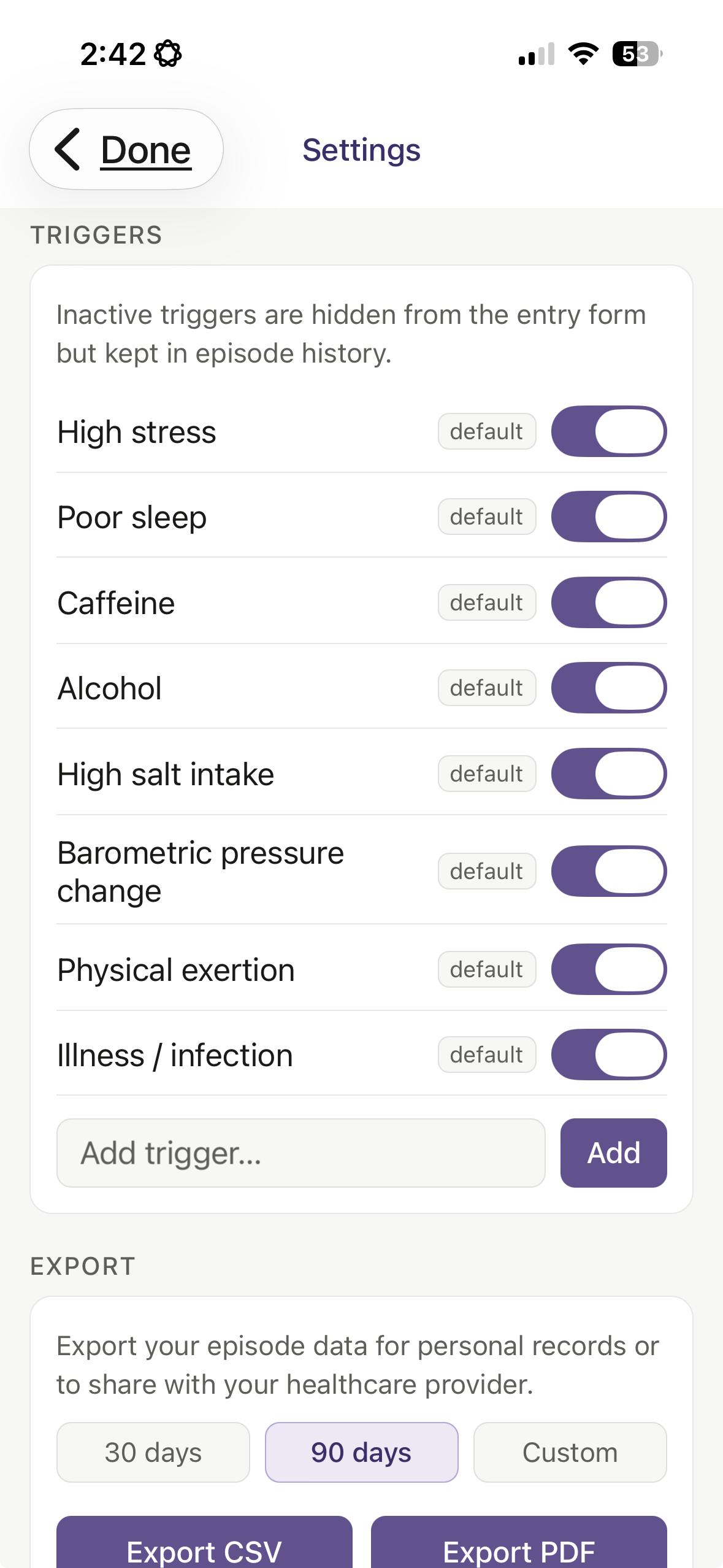
Choose from a list of common symptoms and triggers, or add your own. Over time, charts show you how your episodes relate to pressure changes and which triggers appear most often.
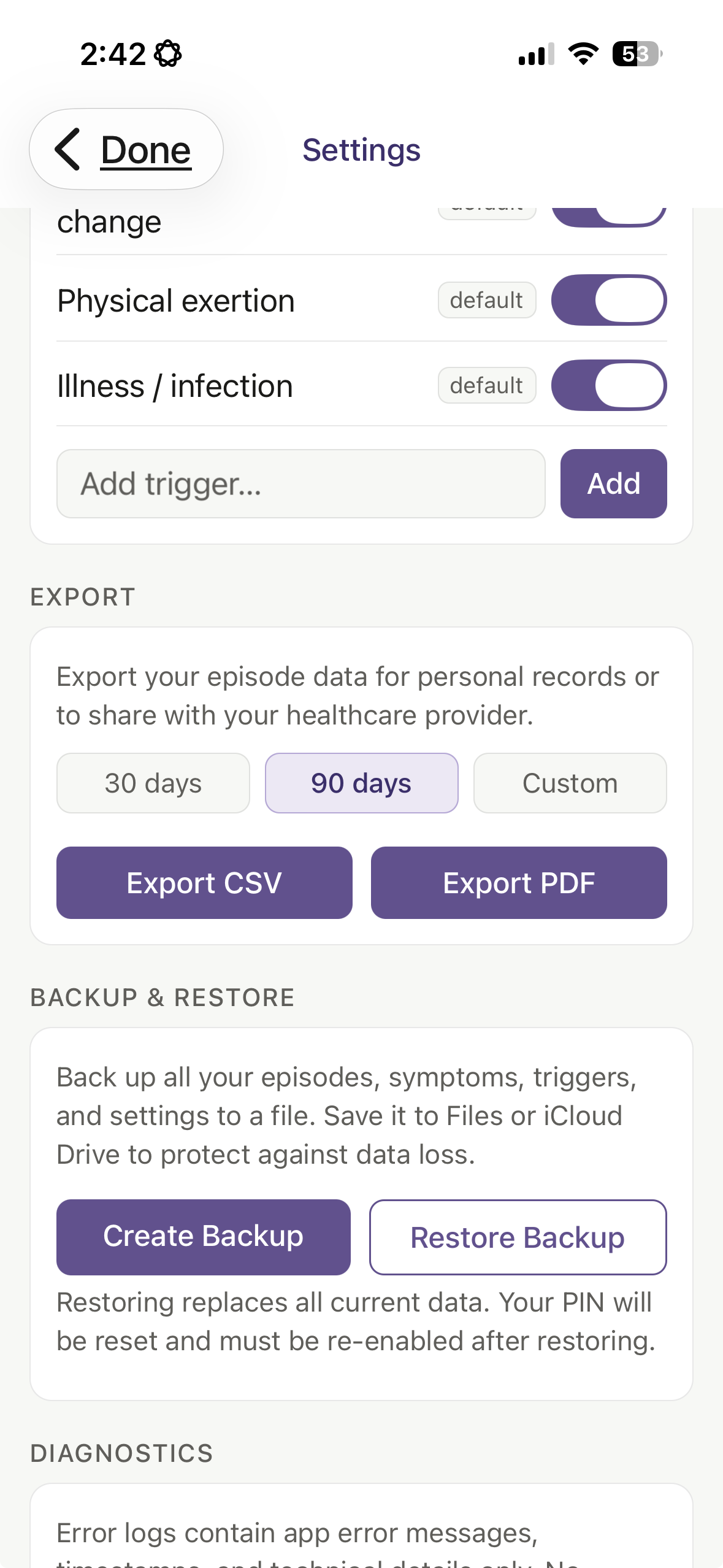
When it’s time to see your doctor, export your data as a CSV or a one-page PDF summary — formatted for easy reading, not a spreadsheet dump.
Knowledge is the key to managing difficult vestibular conditions. Balance helps you get there.
The app is — and always will be — completely free, and your data stays on your phone — nothing is uploaded anywhere.
How to get Balance
iPhone — available now
Balance is available now on the App Store. Search for “Balance Vestibular Diary” in the App Store on your iPhone, or follow this link: https://apps.apple.com/us/app/balance-vestibular-diary/id6761732163
Android — beta testing
Balance for Android is currently in beta testing on Google Play. If you’d like to try it and share feedback, you can join the beta here: https://play.google.com/store/apps/details?id=com.alchemyg.balanceapp
Tap that link on your Android device, and you’ll see an option to join the testing program. Once enrolled, updates come through the Play Store automatically. The full Android release will follow once beta testing is complete.
Beta test — try the latest iOS version first
If you’d like to test the newest iPhone features before they go live on the App Store, join the TestFlight beta here: https://testflight.apple.com/join/MUhjAq7X
TestFlight is Apple’s free beta testing app. Install it from the App Store first, then tap the link above to join. The latest update will install automatically.